Mobile · Android
Your app on your customers' phones.
Every make27 app works on phones from the first build. When you're ready, turn it into a real Android app for the Play Store. It always opens your latest published version with live data, so you don't rebuild for every change.
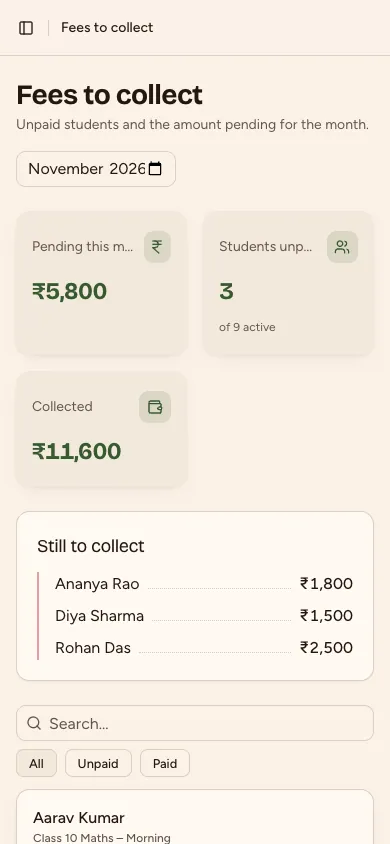
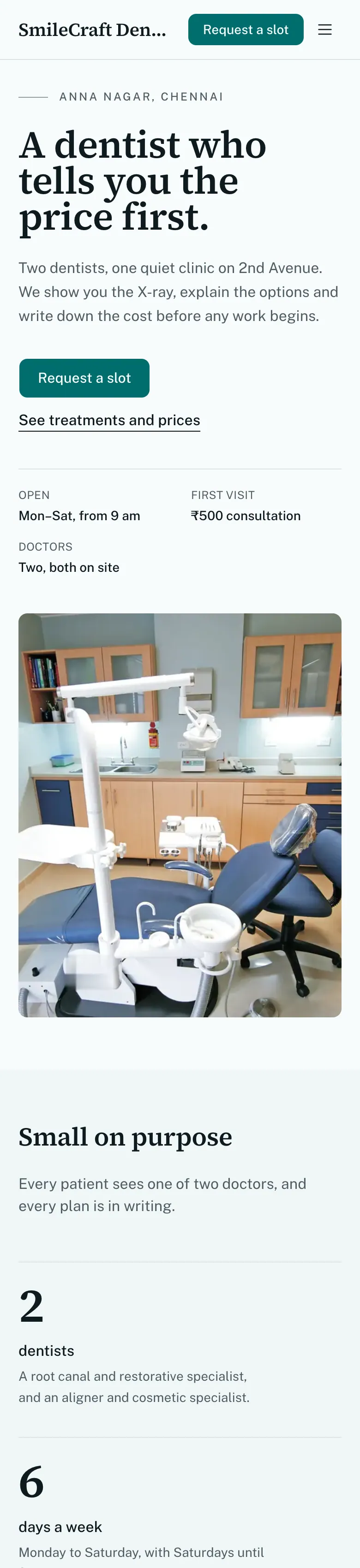
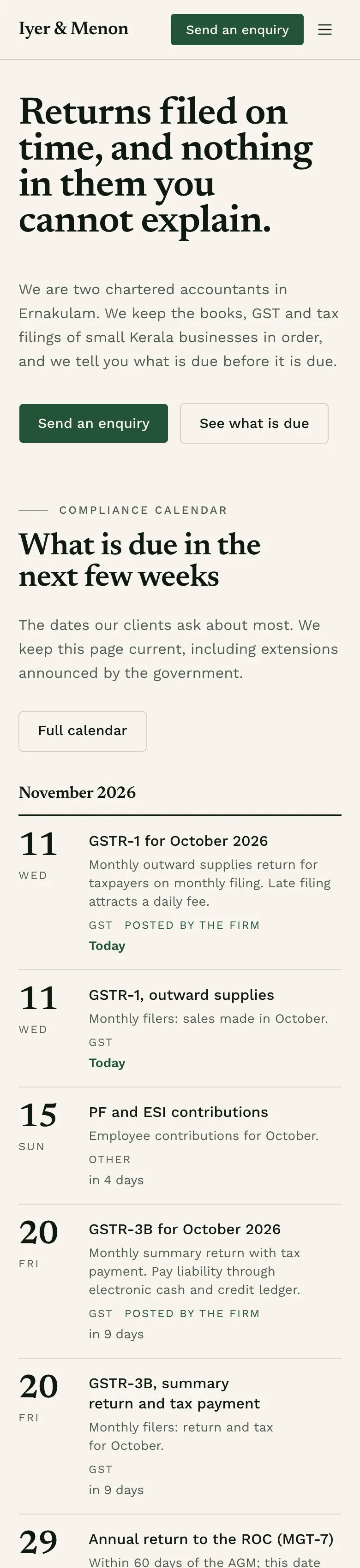
Real phone screens of apps make27 built.
From web app to Play Store
Four steps, all inside Studio.
- 1
Build and publish the web app
Your app works in any phone browser from the first build. Publishing gives it a live address.
- 2
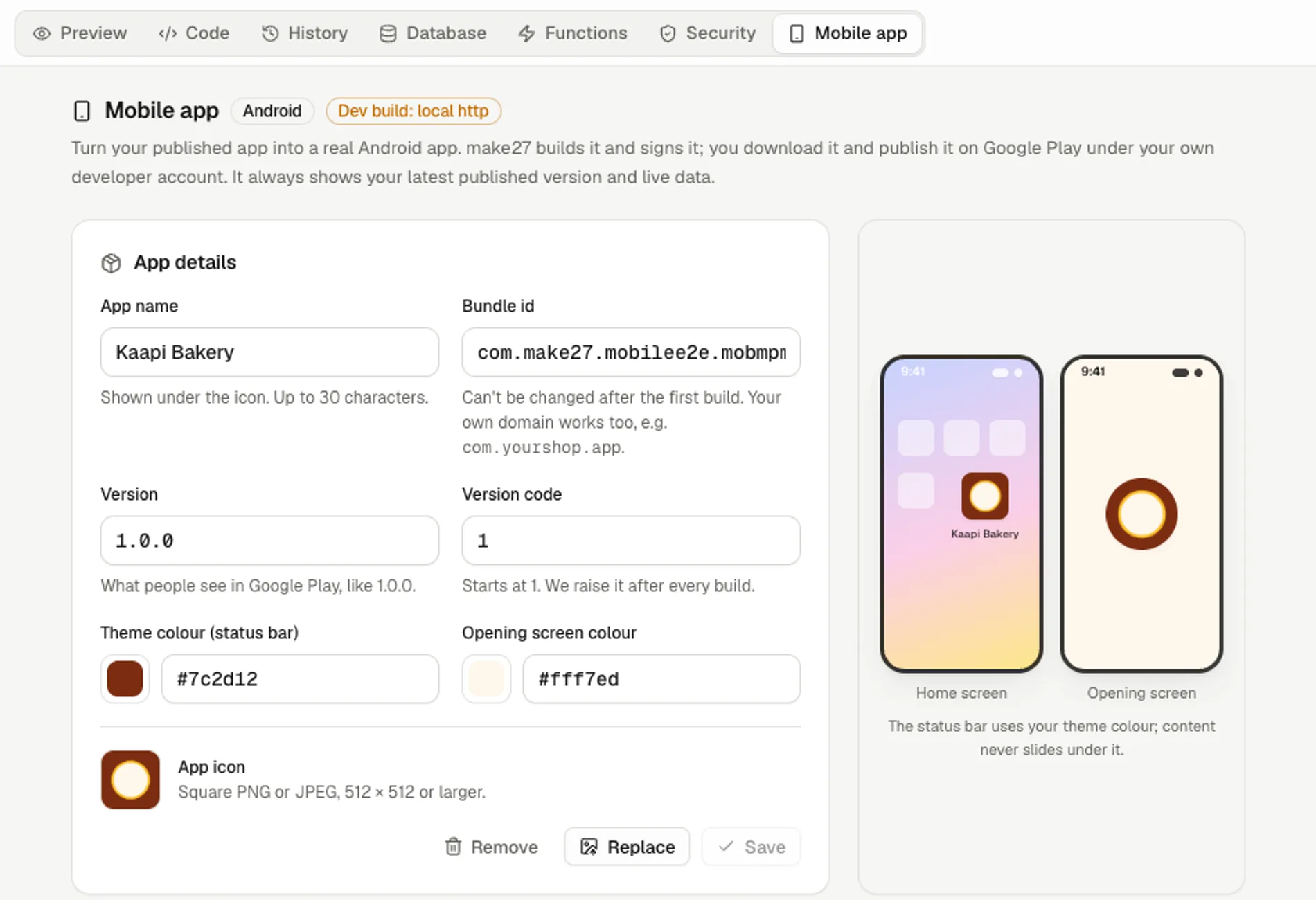
Fill in the Mobile app form
App name, package id, version, icon, theme colour and opening screen. Studio shows how it will look on a home screen.
- 3
Press Build Android app
Studio makes an .aab for Google Play and an .apk to install directly. A build takes about 3 to 8 minutes.
- 4
Publish on Google Play yourself
Follow the step-by-step guide, data safety form included. You keep your own signing key; Studio reminds you to back it up.
Android builds are on paid plans. iPhone builds are coming soon.
Test on a real phone
Scan a QR code. See every change on your phone.
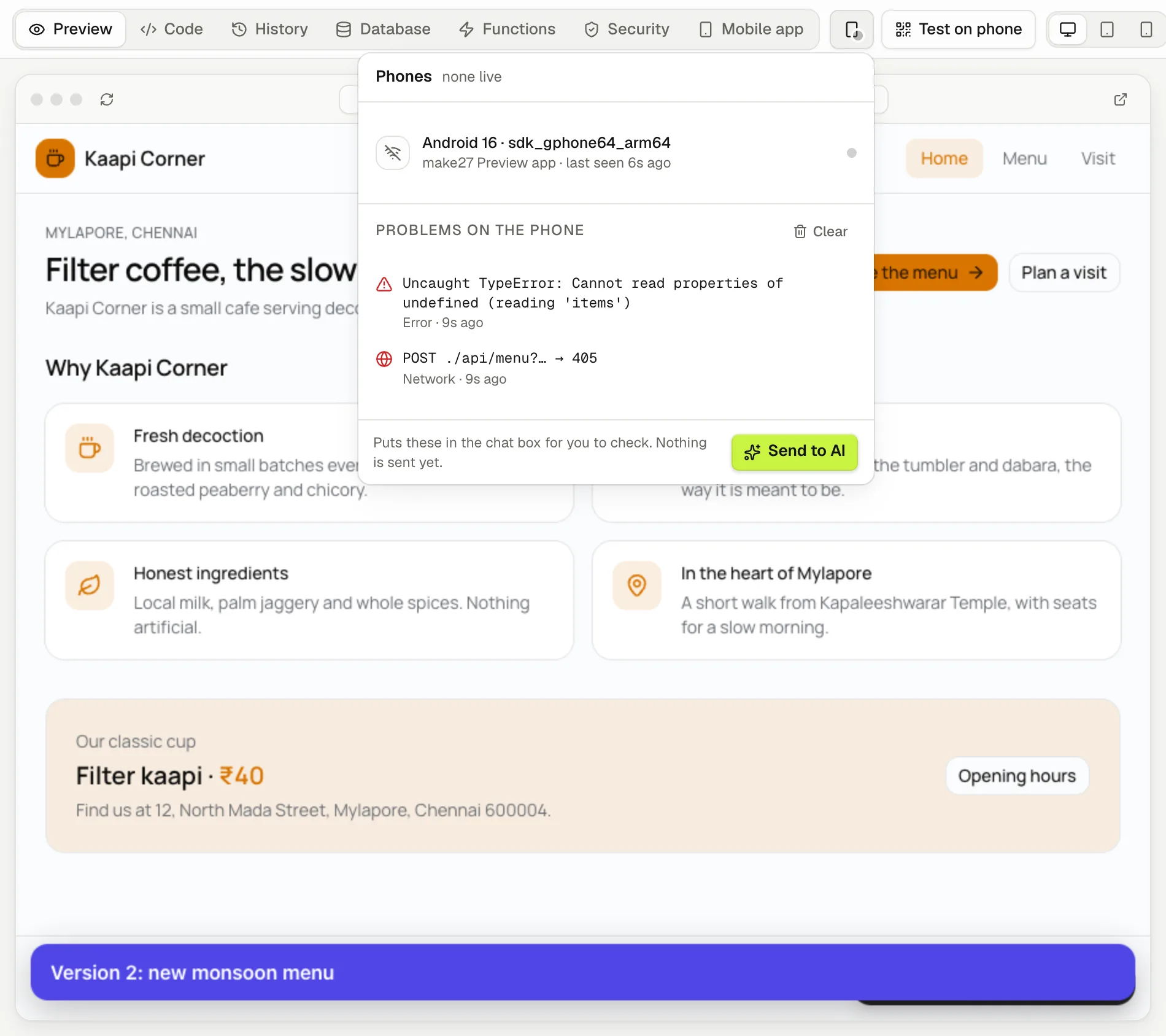
The preview updates on its own with each new version. If something breaks on the phone, the error appears in Studio with a button that sends it to the AI to fix.
Everything mobile, and what's coming.
Android app builds
Turn a published app into an Android app: an .aab file for Google Play and an .apk to try. Paid plans only.
Play Store guide
Step-by-step help for publishing on Google Play yourself, including the data safety form and a signing key backup.
Test on your phone
Scan a QR code to open the preview or the live app on your phone, no sign-in needed.
Live reload on the phone
The phone preview updates by itself with every new version.
Phone error logs
Errors and failed network calls from the phone show up in Studio, ready to send to the AI.
make27 Preview app on Google Play
Coming soonA preview app that opens builds by QR code. Built, but not yet listed on Google Play.
iPhone builds
Coming soonThe same app for the App Store.
make27 Studio
Describe it in one message. See it running today.
Your first app is free. A typical first build uses about 160 of the 500 credits you get. No card needed to start.